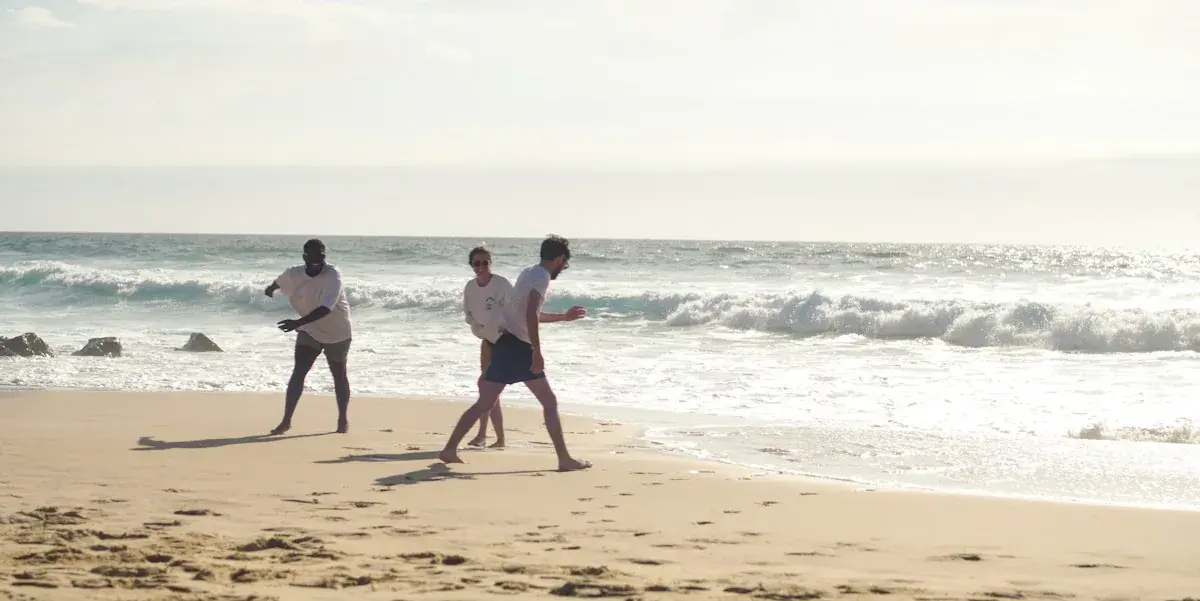
beach day with these two 🌊 had to erase a random guy who walked right into the shot
Made with AI
PicDetox is a Mac app that finds the AI tags, prompts, location and camera details hidden in your photos, videos and audio, and removes them with a right-click in Finder. The picture and sound stay exactly the same.
One-time purchase, or $12 for 3 Macs. For Macs with Apple silicon on macOS 26 or later.

Apps that read AI tags in your uploads and label the post
Touch up a photo with Magic Eraser or Generative Fill and the editing app writes an AI tag into the file. X reads it when you upload and labels the post. Instagram, Facebook, Threads and Pinterest read the same tags. PicDetox removes them first, so there's nothing to read.
beach day with these two 🌊 had to erase a random guy who walked right into the shot
Made with AI
What X reads in the uploaded file
X reads the AI tags and shows Made with AI under the post.
Platforms don't publish exactly how their labels work, and results can vary. PicDetox removes the metadata they read, but it can't change a post that's already up. If you made an image with AI and a platform asks you to disclose it, use the platform's own label when you post. On X it's Made with AI, under Content disclosure.
Buy for $5Select the photos, videos or audio files in Finder, right-click and choose Clean Metadata with PicDetox. The clean copies are ready in seconds, without opening the app window.
Besides the right-click, PicDetox shows you what's inside a file before you clean it, and lets you undo any clean.
Right-click and choose Show Metadata in PicDetox to see every entry in plain words, like “GPS location” instead of GPSLatitude. Show All opens long values, such as a full prompt.
Close the window and PicDetox keeps running in the menu bar, ready for Finder. Its menu lists your last 20 cleans, and it can open at login.
Drop files on the window or on the Dock icon, then press Clean All. Videos show their first frame and audio files a waveform, and very large files show their progress.
⌘K cleans the selected files, ⇧⌘K cleans every file in the list, ⌘Z undoes a clean and ⇧⌘R reveals the clean copy in Finder.
Prefer no copies? Choose Replace the original in Settings. The original goes to the Trash, and Undo puts it back.
After cleaning, PicDetox reads the new file back. If anything is left, it tells you exactly what.
Besides AI tags, an image can carry the prompt that made it, where it was taken and the camera that took it. Videos record where they were filmed, and songs carry their own tags. None of it shows in the post, but anyone who downloads the file can read it with a free tool.
forest_spirit_0412.png4 found
Stable Diffusion, Forge and NovelAI save the prompt, seed and settings in every PNG. ComfyUI saves the whole workflow, so anyone can load it and remake your image.

IMG_2208.jpg3 found
Phones save the GPS position of every photo and video, and GoPros log it every second. Share a picture of your new place and anyone who saves it can find the house.

DSCF4419.jpg3 found
Cameras write their serial number into every shot, and the owner's name if it's set. That can tie photos on an anonymous account to ones posted under your own name.
From photos (PNG, JPEG, WebP, HEIC, AVIF and GIF), videos (MP4 and MOV) and audio (M4A, MP3, WAV and FLAC). Your files never leave your Mac.
What it can't remove: invisible watermarks woven into the picture or sound itself, such as Google's SynthID. PicDetox isn't a way to hide that an image was made with AI, so follow the disclosure rules of the places where you post.
The usual trick, a screenshot or a re-export, shrinks your photo and compresses it again. PicDetox copies the image data byte for byte and leaves out only the metadata, so the clean copy is the same picture at the same quality. Videos and audio files are copied the same way, without re-encoding a single frame or sample.


Cleaning times are for photos, measured on a Mac with an M4 chip.
Screenshots and re-exports lower the quality, upload sites keep a copy of your photo, and exiftool means learning Terminal commands. PicDetox cleans 500 photos in about 3.5 seconds without any of that.
 PicDetoxRight-click in Finder, and the pixels and sound stay the same.
Launch prices for the first 50 buyers. After that, 1 Mac costs $9 and 3 Macs cost $19.
$5one-time
Launch price. Goes up to $9 after the first 50 buyers.
$12one-time
Launch price. Goes up to $19 after the first 50 buyers.
Refunds within 7 days
If you haven't activated your license yet, or PicDetox doesn't work on your Mac and we can't fix it, email [email protected] within 7 days of buying for a full refund. Not sure it's for you? Watch how it works first. Refund policy
Can't find your answer? Email [email protected].
Editing tools like Magic Eraser and Generative Fill write a tag into the file saying AI was used. X, Instagram, Facebook, Threads and Pinterest can read that tag and label the post. Clean the photo with PicDetox before you post. Cleaning a copy you download back won't change a post that's already up.
Yes, for your prompts. Stable Diffusion, ComfyUI, NovelAI and others save the prompt, seed, model and workflow inside every image, so anyone can copy your recipe. PicDetox removes them. It isn't a way to hide that an image was made with AI: keep the label where a platform asks for it.
Yes. It removes the tags Suno, Udio and ElevenLabs leave in songs and voice files, and the metadata Sora, Runway and Google Veo write into videos. Watermarks inside the sound or picture, such as SynthID, stay. If a platform asks you to label AI content, keep the label.
It removes AI tags stored as metadata, such as Content Credentials and IPTC labels. It can't remove invisible watermarks woven into the picture or sound itself, such as SynthID, and it isn't a way to hide that something was made with AI. Follow the disclosure rules of the places where you post.
No. Everything happens on your Mac. PicDetox goes online only to check your license, which sends your license key and a one-way code made from your Mac's hardware ID, and to look for updates. It never sends your files or their names.
No. PicDetox copies the image, video and audio data byte for byte and never re-encodes it. With Keep color profile on, which is the default, colors look exactly the same. iPhone photos keep their orientation, GIFs keep every frame and their timing, and songs keep the timing tag that gapless playback needs.
Photos in PNG, JPEG, WebP, HEIC, AVIF and GIF, including iPhone HEIC photos. Videos in MP4 and MOV, and audio in M4A, MP3, WAV and FLAC. It doesn't clean TIFF, RAW, PDFs or documents, and it cleans the files you select rather than whole folders: press ⌘A inside a folder to select everything in it.
Animated HEIC and AVIF files, fragmented (streaming-style) videos, and videos whose media is stored in other files. PicDetox says why and leaves those files untouched.
By default, nothing. PicDetox saves a clean copy next to it, ending in -clean. If you choose Replace the original in Settings, the original goes to the Trash, and Undo puts it back while it's still there.
Yes. Select as many as you like in Finder and right-click, or drop them all on the window and press Clean All.
Look under Quick Actions or Services in Finder's right-click menu. If it isn't there, turn it on in System Settings › Keyboard › Keyboard Shortcuts › Services › Files and Folders.
How many Macs it runs on at the same time. 1 Mac activates PicDetox on one Mac, 3 Macs on three. The app is the same.
For the first 50 buyers. After that, 1 Mac costs $9 and 3 Macs cost $19. Whatever you pay, the license never expires.
Within 7 days of buying, if you haven't activated your license yet, or if PicDetox doesn't work on your Mac and we can't fix it. Email [email protected] with your order number. Changing your mind after activating isn't covered, so watch how it works first. The refund policy has the details.
Yes. Every future version of PicDetox is free for anyone with a license, including version 1.1, which added HEIC, AVIF and GIF photos, video and audio. The app checks for updates once a day and asks before installing; you can turn the check off in Settings.
No. You buy it directly from picdetox.com. The app is signed and notarized by Apple.
On the old Mac, open Settings › License and choose Deactivate This Mac, then activate on the new one. If the old Mac is gone, email us and we'll free up the license.

$5 for one Mac or $12 for three, paid once. No subscription and no account.
For Macs with Apple silicon on macOS 26 or later.